
For anyone looking for an overseas cloud server to host websites or run lightweight applications, Vultr remains a solid standby. Instances spin up quickly with hourly billing, and there is a generous promotion for new accounts: new users who register through the promo link receive $300 in trial credit, valid for 30 days. You can use the promotional credit to set up your environment and test your site, then keep the server running at a flat $10/month base rate with minimal upfront cost.
For long-term hosting, the most practical option is the $10/month 1 vCPU, 2GB RAM plan. It comes with 55GB SSD storage, 2TB of monthly transfer, and a default public IPv4 address, making monthly costs completely predictable. With more than 30 data center locations worldwide—including Singapore, Tokyo, Seoul, Los Angeles, and Frankfurt—it is easy to place your server close to visitors in Southeast Asia, East Asia, Europe, or North America.
Visit Vultr to claim the $300 new user trial credit →
How to claim the $300 trial credit
This offer is available to first-time Vultr users who link a valid credit card or PayPal account. Duplicate accounts are not eligible, and any unused promotional credit expires after 30 days.
- Open Vultr through the promotion link above, enter your email address and password to register, and verify your email.
- Sign in to the control panel and follow the prompts to link a valid credit card or PayPal account for payment verification.
- Check the $300 promotional credit under the Billing page, then deploy a new server by selecting your region, operating system, and plan.
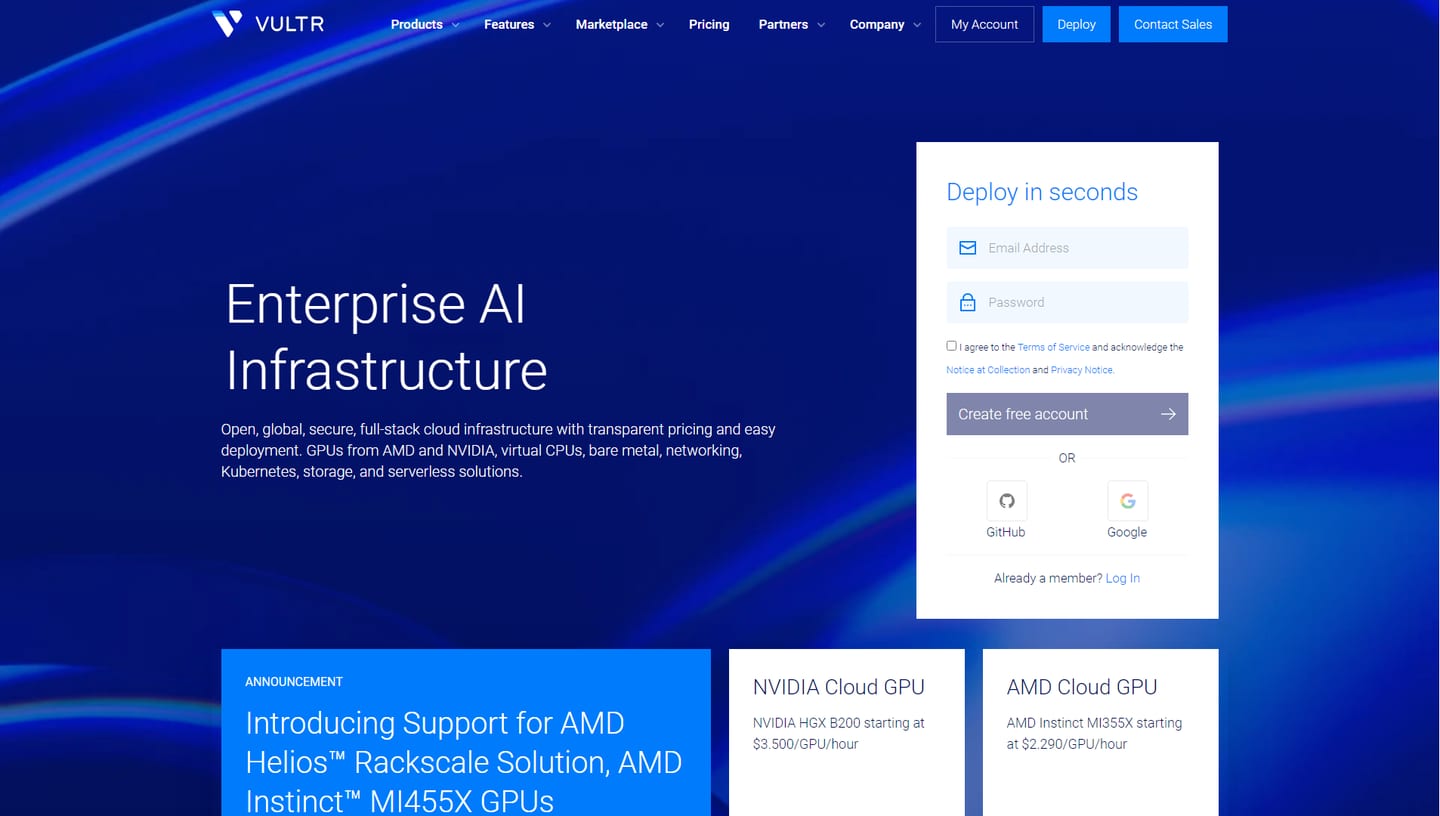
You can sign up directly using the email and password form on the right side of the homepage, then verify your payment method in the dashboard. Once the credit appears in your account, you can spin up an instance, install your web stack, or migrate an existing site right away.
Recommended plan: $10/month, 1 vCPU & 2GB RAM
For personal blogs, small business sites, lightweight APIs, and staging environments, starting with the 1 vCPU, 2GB RAM plan makes the most sense. Many webmasters run their web application and MySQL database on the same machine; while a 1GB RAM instance can easily run tight on memory, doubling that to 2GB gives your database and background updates plenty of breathing room.
| Item | Specification |
|---|---|
| Plan | Cloud Compute, vc2-1c-2gb |
| CPU | 1 vCPU, shared CPU |
| Memory | 2GB |
| Storage | 55GB SSD |
| Monthly transfer | 2TB |
| Network | Public IPv4 included |
| Base price | $10/month |
In the control panel, choose Cloud Compute and select the $10/month tier. The 55GB SSD easily holds website files, databases, and logs, while 2TB of monthly transfer is more than enough for most content sites. If traffic grows later on, you can upgrade CPU and RAM directly from the dashboard.
2TB monthly transfer included—avoiding surprise bandwidth bills
Outbound bandwidth is one expense that is easy to overlook when buying cloud servers. On platforms like AWS EC2 and Google Cloud Compute Engine, instance compute and outbound internet traffic are billed separately—every page view, image load, and file download adds to your metered data usage. Once a site starts getting steady traffic, bandwidth charges can noticeably inflate the monthly bill.
Vultr’s $10 plan includes 2TB of monthly outbound transfer right in the base price. As long as your monthly usage stays within 2TB, you pay nothing extra for outbound traffic. Whether you run a content-heavy blog, host product photos, or serve regular file downloads, that allowance lets you run your site without constantly watching the bandwidth meter.
Many users only compare CPU and RAM prices, but factoring in the monthly transfer allowance makes the math much clearer: for $10/month, both your 1 vCPU, 2GB server and 2TB of monthly traffic are covered.
How much cheaper is it than AWS and Google Cloud?
Running a public website requires more than just CPU and RAM—you also need disk storage, a public IPv4 address, and outbound transfer. Putting all of those essentials together shows what you will actually pay each month. Here is how three 2GB RAM Linux server setups with public IPv4 compare:
| Item | Vultr Cloud Compute | AWS Lightsail | Google Cloud Compute Engine |
|---|---|---|---|
| Compute | 1 vCPU, shared CPU | 2 vCPU, burstable | e2-small, 2 vCPU, shared-core |
| Memory | 2GB | 2GB | 2GiB |
| Storage | 55GB local SSD | 60GB SSD | 55GiB Balanced Persistent Disk (separate) |
| Public IPv4 | Included by default | Public IPv4 bundle | Billed separately |
| Outbound transfer | 2TB/month included | 3TB/month included | Metered separately |
| Monthly cost | $10 | $12 | Approx. $21.37 + outbound traffic fees |
Among these three 2GB setups, Vultr’s monthly price is about 16.7% lower than AWS Lightsail and about 53.2% lower than the Google Cloud configuration shown above. If you simply need a reliable server to keep a website online, that difference adds up every month.
Specifically, Google Cloud’s e2-small costs around $12.23/month for compute alone; adding a 55GiB Balanced Persistent Disk and one static public IPv4 brings the base cost to roughly $21.37/month before any outbound internet traffic is billed. Vultr bundles the server, local SSD, public IPv4, and 2TB of transfer into a single $10 monthly price, making budgeting much simpler.
While the comparable AWS Lightsail bundle includes an extra vCPU, 5GB more disk space, and 1TB more transfer, it costs $12/month. For personal blogs, company sites, and everyday web apps where 1 vCPU, 2GB RAM, and 2TB transfer are already plenty, Vultr’s $10/month plan is the more economical choice.
30+ global locations—deploy close to your visitors
Vultr operates data centers across Asia, the Americas, Europe, the Middle East, Africa, and Oceania, so you can pick a node based on where your visitors actually live:
| Primary audience | Suggested locations |
|---|---|
| Southeast Asia | Singapore |
| Japan & South Korea | Tokyo, Osaka, Seoul |
| India | Mumbai, Bangalore, Delhi NCR |
| North America | Los Angeles, Seattle, Silicon Valley, New York, Toronto |
| Europe | London, Frankfurt, Amsterdam, Paris, Madrid |
| Latin America | Mexico City, São Paulo, Santiago |
| Middle East & Africa | Tel Aviv, Johannesburg |
| Australia | Sydney, Melbourne |
If your audience is mainly in Thailand, Vietnam, Malaysia, or Indonesia, Singapore is the go-to choice; for readers in Japan, pick Tokyo or Osaka; for North American or European traffic, Los Angeles, New York, London, or Frankfurt work well. If you launch additional sites for other regions later, you can deploy servers in those locations from the same dashboard and manage all billing under one account.
Planning for long-term use: how long does a $100 budget last?
If you plan to keep your site running long term, setting aside a $100 account deposit for ongoing server usage is a practical approach. Based on the recommended $10/month plan:
- $100 covers 10 months of base instance charges.
- Running the server for a full year (12 months) comes to $120 in base costs.
- Leave a small buffer if you enable automated backups, attach block storage, or exceed the included transfer allowance.
Once funded, hourly usage is deducted automatically from your account balance, so you only need to check your balance occasionally. The $300 new-user promotional credit is valid for 30 days—plenty of time to set up your stack, test locations, and get your site running—while your deposited balance stays in your account to cover ongoing monthly usage afterward.
Deploy your server and get your site online
After claiming your new-user credit, click to deploy a new instance in the control panel, select Cloud Compute, choose your target data center, pick a Linux image (popular distributions like Ubuntu and Debian are ready out of the box), and select the $10/month 2GB plan. Provisioning typically finishes in a minute or two.
Once the server is up, connect via SSH, install your preferred web stack or application, point your domain’s A record to the server’s public IPv4 address, and configure an HTTPS certificate to go live.
Users planning to set up a new site or switch servers can register through the link below, claim the $300 trial credit, and spin up a $10/month instance: